

How to access your online class at ISHTA
Once you’ve booked an online class with us, there are two ways in which you can access the zoom link for your class:
You can receive a direct link from Momence (only if you are subscribed to our transactional emails through the Momence platform)
If there’s a problem receiving your link via email or if you do not wish to be subscribed to our transactional emails, you can retrieve the zoom link for your class by logging directly into your Momence account. From there, look for the class you’ve booked in your upcoming schedule, then launch the zoom directly from the link embedded there!
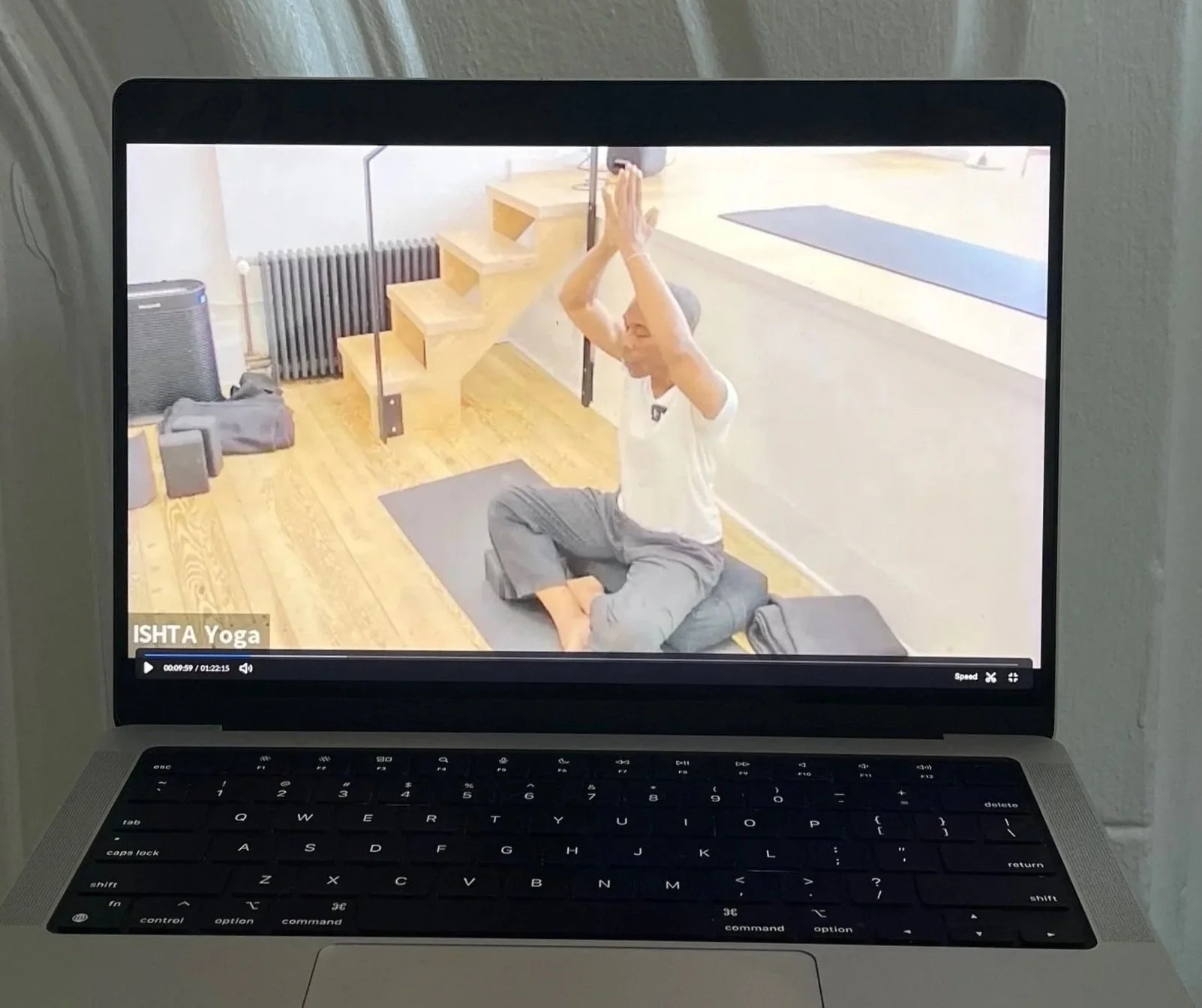
Visit the videos on YouTube below for a tutorial!